
Assets
Record an asset without overstating its value.
Asset drafts preserve their original answers and reviewed corrections. Photo intake is shared with Inbox and Chat and can be retried without losing the selected attachment.
Current app path
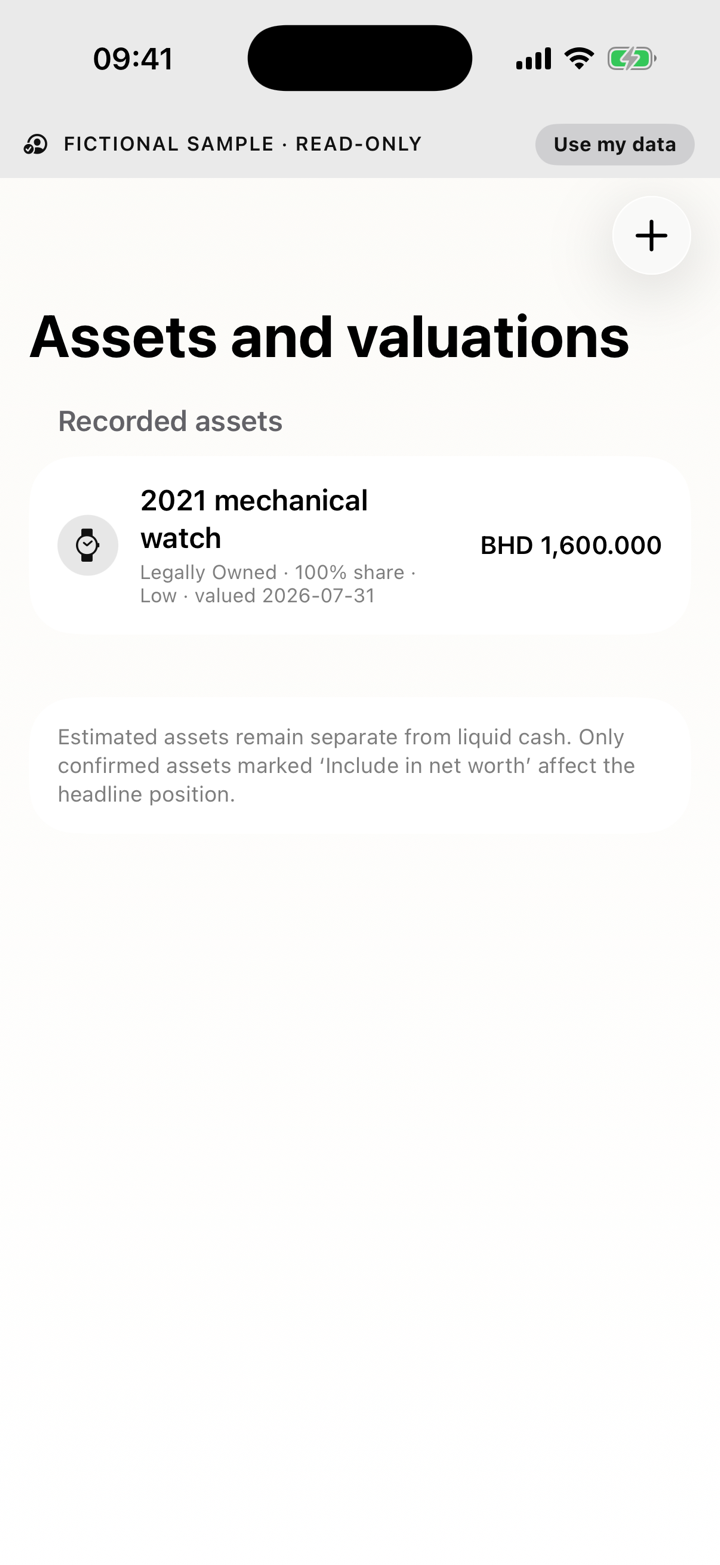
Settings → Assets & Relationships → Assets and valuationsManual asset records, asset drafts, shared encrypted photo intake, correction preservation, valuation monitoring, review cadence and reminders are available through the external beta.Required
- Asset type
- Ownership status
- Position treatment
- A valuation date when recording a value
Optional
- Name and notes
- Ownership share
- Valuation confidence and supporting evidence where offered
What can block completion
- Missing ownership or treatment
- A value without its date
- An inconsistent share or liability relationship
- Local financial data
- Asset records and evidence are stored in the local database, not a hosted Position account.
- Privacy or AI boundary
- Manual records and draft corrections remain local. Photo analysis follows the external-AI boundary disclosed by the workflow.
- If it does not work
- Cancel leaves the record unchanged. Correct every Required message and keep uncertain values provisional; retry photo intake without replacing a retained attachment.
01
Add or edit an asset
- Open Settings.
- Choose Assets & Relationships, then Assets and valuations.
- Choose Add asset, open a photo-led draft, or select an existing asset.
- Choose currency from the searchable ISO list; BHD is pinned first and existing unknown codes remain visible until deliberately changed.
- Review the draft's original answers before correcting asset type, ownership status, Position treatment or valuation evidence.
- Review inclusion and save. Later corrections preserve the original answers.
02
BHD values
A BHD asset always uses exchange rate 1 when saved. Valid foreign-currency assets retain their supported conversion evidence.
03
Confirmed, provisional and liquid
- A provisional value is not confirmed evidence.
- Estimated physical assets are not liquid cash.
- A linked liability reduces equity rather than becoming another asset.
- Ownership share controls the portion attributable to your position.
04
Photos, corrections and monitoring
Inbox, Chat and asset drafts use the same encrypted, retryable photo intake. If processing stops, retry and verify that the selected attachment is still present before choosing it again.
Automatic review, Reminder only, review cadence and monitoring controls remain available.